
When I go on holiday and step onto a boat, I don’t always have a reliable internet connection. Spotify does offer the option to make music available offline, but that quickly takes up a lot of storage space on my phone. On top of that, I sometimes enjoy listening to a full album by an artist—but not always.
That made me wonder: which artists actually appear across all my different Spotify playlists? And which artists are worth having a complete album offline on my phone, even though I rarely listen to those albums from start to finish?
To get a better grip on the music I like to listen to, I wanted to create an overview. Ideally, this overview would include:
- The names of all artists in my playlists
- Optionally, the tracks I listen to most often
In short: a complete overview of all the Spotify playlists I listen to, so I can filter by artist and easily find songs or albums again.
Exporting Spotify Playlists with Exportify
To export my Spotify playlists, I tested the website Exportify. You can easily log in using your own Spotify account. Once logged in, all your playlists are immediately shown in a clear overview.
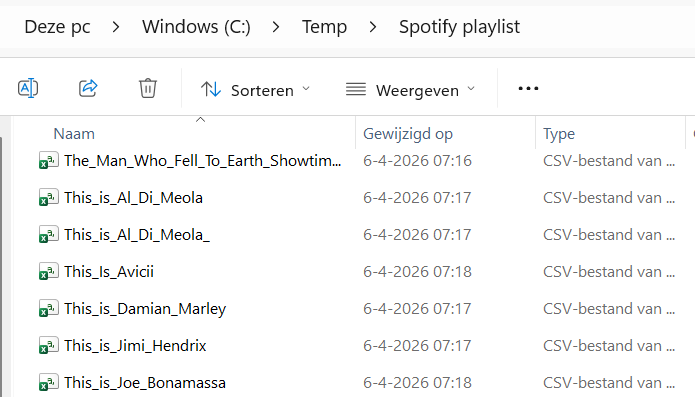
Exporting a playlist is then literally done in just a few clicks. You can save the playlist as a CSV file, which you can open and edit right away in Excel. Perfect for sorting, filtering, and creating your own custom overviews.

And maybe a Power App…
Who knows—maybe I’ll create a Power App later that allows you to start a Spotify track directly from such an overview. Sounds interesting? Give it a thumbs‑up 👍 and I’ll be happy to share an example.
Curious what you can do with the exported data? In the next post, “My Favorite Artists Overview”, I show how to turn those CSV files into a dynamic Excel overview with insights and visualizations.